



Music Shield Manual
Music Shield Manual
Welcome Note
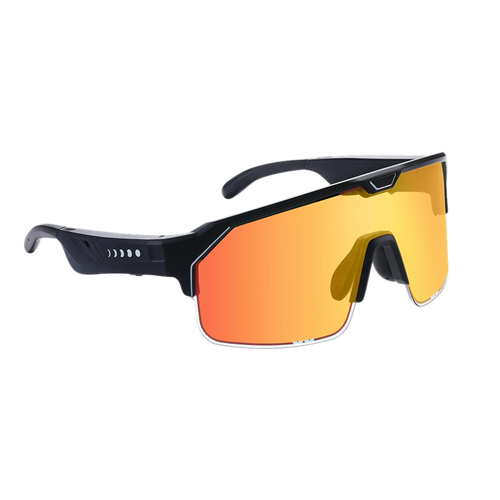
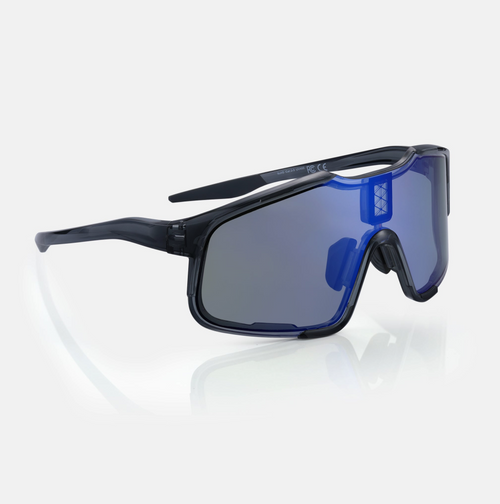
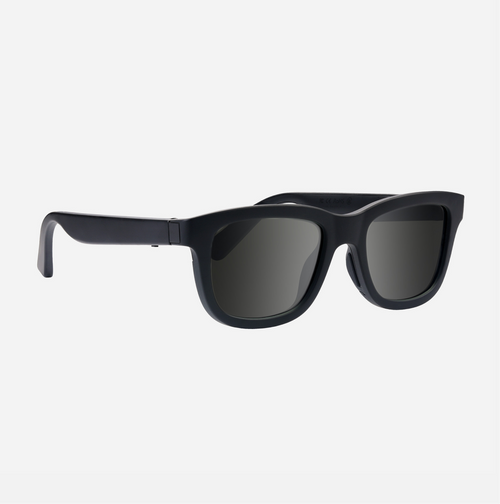
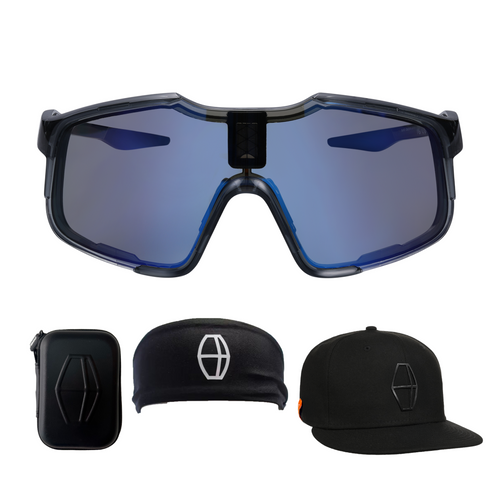
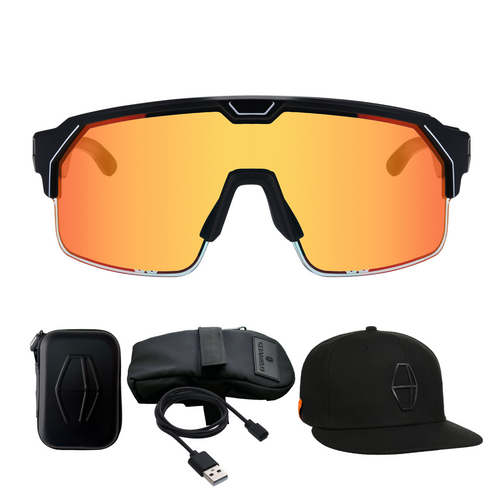
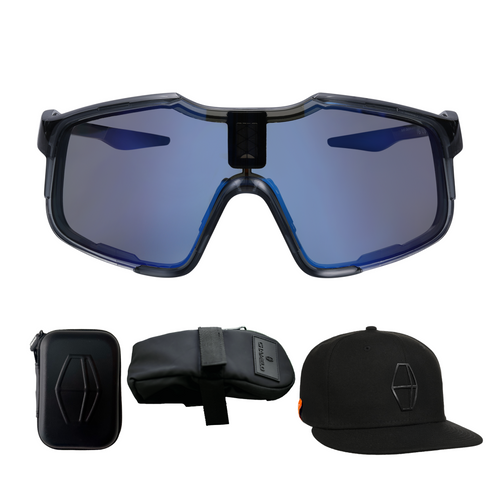
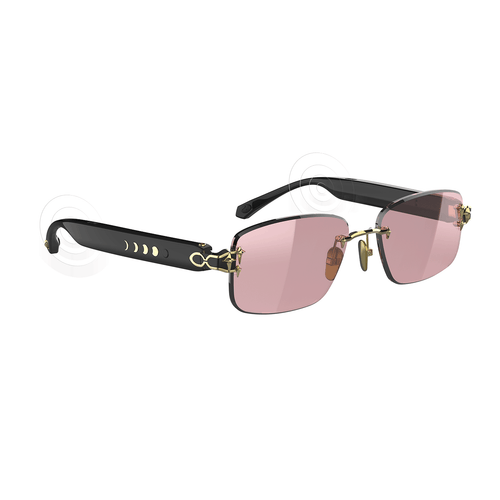
With cutting-edge optics and immersive audio, Music Shield is the ultimate fitness companion. They are the first sports glasses with customizable tint, ensuring optimal visibility during your ride, run, or training. Simply slide your finger along the side of the frame to adjust the tint level—instantly switch from light to dark or anywhere in between. With integrated Bluetooth audio, built-in speakers, and microphones discreetly embedded in each temple, they deliver crystal-clear sound, allowing you to immerse yourself in music, podcasts, and audiobooks—all while staying aware of your surroundings. Music Shield is designed for sports and fits most faces securely right out of the box but they also come with a customizable nose piece to help you find the perfect fit.
We don't think you'll ever want to go back to "normal" sports glasses.
Enjoy!
Quick Tips for Use!
- Charge before use: Fully charge the product before using it for the first time.
- Charging environment: Only charge the product in temperatures between 0°C and 35°C.
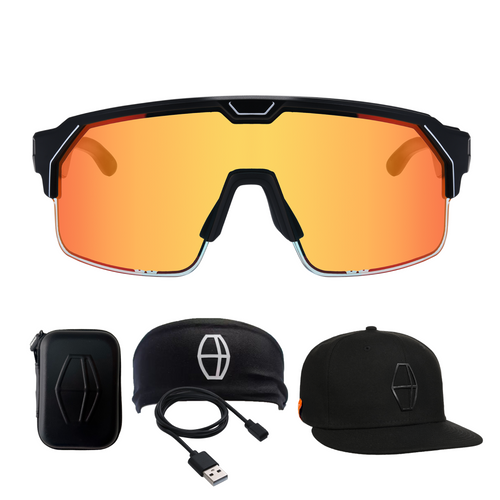
- Storage: Store in the provided pouch when not in use.
Features
- Multifunction Button
- Step-less sliding dimming controller
- Flexible Liquid Crystal Tinting Film / PC Lens
- Microphones
- Dual Speakers
- Magnetic Charger
- Indicator Light
- Nose Pad
Specs
- Frame Material: TR-90, PC
- Lens Material: Liquid crystal film + PC (blocks 99.9% of UVA/UVB rays)
- Transmittance: 63%-17%
- Bluetooth: 5.3
- Speaker: Dual Speaker, Stereo sound
- Battery Life (audio): 6.5 hours
- Battery Life (tint-adjustment): 100 hours
- Charging Time: 2.5 hours
- Charge Input: DC 5V=1A Magnetic Pogo Pin
- Battery Capacity: 180 mAh
- Weight: 50 g
Operation Instructions
-
Power On/Off
- Power on: Press and hold the button until the blue light appears and you hear "Power on."
- Power off: Press and hold the button until the red light appears and you hear "Power off."
-
Bluetooth Pairing
- Initial pairing: After powering on, the red and blue lights will flash alternately. Search for and connect to "Music Shield" on your device. You'll hear "Connected" upon successful pairing.
- Automatic connection: If previously connected, Music Shield will automatically reconnect to the last paired device.
-
Music Controls
- Play/Pause: Quick press the button once.
- Next Song: Quick press the button twice.
- Previous Song: Quick press the button three times.
-
Call Controls
- Answer/End Call: Quick press the button once.
- Reject Call: Quick press the button twice.
-
Voice Assistant
- Activate: Long press the button to summon your native voice assistant.
Charging and Battery
- Charging: Only use the included cable (or a replacement provided by Chamelo).
- Red light: Charging
- Green light: Fully charged
- Low battery warning: The LED will blink red twice and the glasses will beep.
- Dimming Function
- Adjust Tint: Slide the right lens leg back and forth to cycle through tint levels (17% to 63% transmittance).
- UV Protection
- Lenses protect against 99.9% of UVA/UVB rays.
Notes on Cleaning and Care
- Use a soft, damp cloth to clean the lenses. Avoid using abrasive materials or rubbing in circles to prevent scratches. Check for grit or dust before rubbing to avoid damaging the lenses.
- Do not expose Music Shield to extreme temperatures (below 14°F/-10°C or above 122°F/50°C).
- When not in use, store in the provided pouch to avoid prolonged sun exposure and prevent damage.
- Do not submerge in any liquid.
Warnings
- Do not adjust tint while operating a car, vehicle or other machinery. Only adjust tint while stopped and when you can do so safely.
- Do not attempt to disassemble, repair or modify Music Shield. Music Shield uses a built-in battery. Do not attempt to replace it.
- Listening to loud audio for extended periods can cause damage to your hearing. Chamelo does not recommend using Music Shield at high volumes for long periods.
- Consult a physician or the supplier before using Music Shield near medical equipment. Keep at least 15 cm away from pacemakers, hearing aids, cochlear implants, etc.
- Avoid exposure to water and chemicals.
- Do not pull the temples or squeeze the lenses.
- Use approved accessories: Only use power supplies, chargers, and batteries approved by the manufacturer.
- Disconnect after charging: Unplug the charger once charging is complete. Do not charge continuously for more than 12 hours.
Warranty Information
- 1-year limited manufacturer warranty for hardware issues under normal use conditions.
- Warranty is void if the product is damaged due to improper use, unauthorized modifications, or environmental factors (including submersion in water).
Thank you for purchasing Music Shield. For any questions or support, please contact us at [email protected].
Be different. See different.

