



Dusk Manual
Dusk Manual
Welcome Note
How many times have you left your house without a pair of sunglasses because it's not sunny enough...only to have the clouds magically disappear minutes later, and you're left squinting your way through your walk/run/drive?
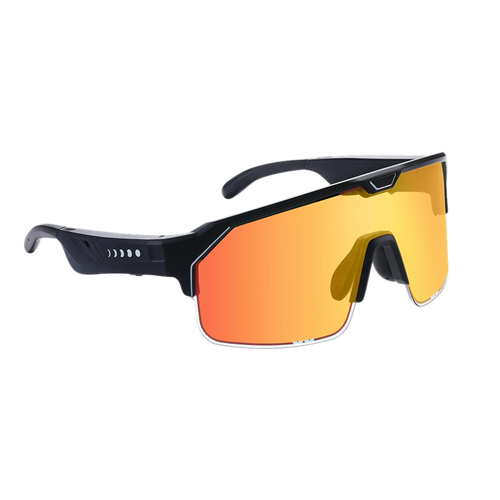
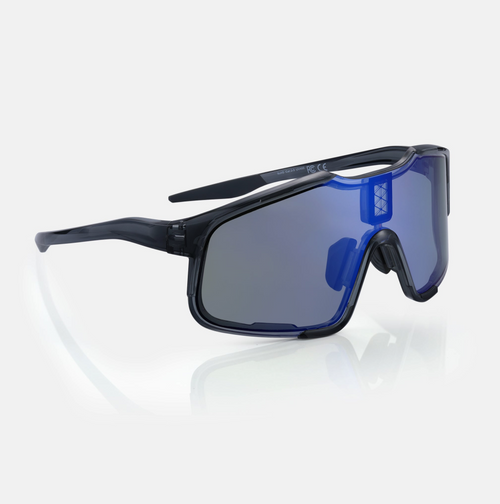
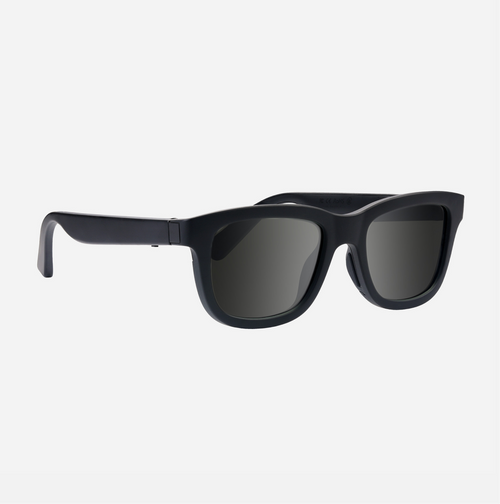
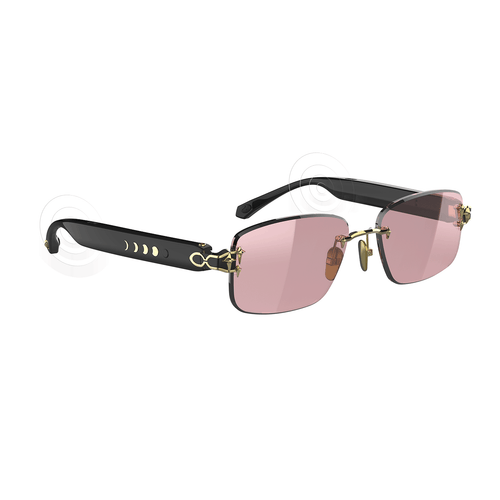
Dusk are the first sunglasses in the world that allow you to choose the exact tint level you want. Not every day is the same, why should your sunglasses stay the same?
The functionality doesn't end there. Dusk has open-ear audio speakers built into the arms so you can listen to podcasts and music while staying aware of your surroundings. And built-in microphones allow hands-free access to phone calls and voice assistants. On top of all that, you get glasses made with premium materials and lenses that look flat-out great.
Before using the sunglasses, please read all the instructions, safety information and warnings. Additionally, to get the most out of Dusk, make sure to download the Ampere app at app.ampere.shop and register your product at register.chamelo.com to lock in the one year warranty and a $20 gift card.
Thank you for your support! We'd love to hear what you think about Dusk. Please email us with any questions, concerns, feedback, etc. at [email protected].
Thanks! — Team Chamelo
Specs
- Bluetooth: 5.0
- Battery: 110 mAh Lithium Polymer
- Listening time: 4 hours
-
App-enabled tint adjustment time: 7 days
- Charging time: 80% in 15 min, 100% in 60 min
- Transmittance: 38%-4%
- Speakers: .5W
Premium Materials
- Lenses: Polarized TAC
- Film: LCD
- Frame: TR90
- Nose Pads: Silicone
Features
- App Enabled Tint Adjustment
- Open Ear Audio
- Microphones
- Magnetic Pogo Pin Charging
- Voice Assistant Enabled
- 4 Preset Tint Levels for Tint Adjustment on the Frame
- Polarized Lenses
- Blocks 100% of UVA/UVB Rays
- IPX4 Waterproof
Quick Start Guide
-
Charge
Before using, charge Dusk using the included charging cable. A full charge will take about one hour.
The LED indicator will turn red when Dusk is charging and green when charging is complete.
-
Power On
Hold the right-hand side button for 3 seconds to turn Dusk on. When Dusk is powered on, it will automatically go into Bluetooth pairing mode and the LED will blink.
-
Connect
Enable the Bluetooth settings on your chosen device and select "Dusk." Once paired, the LED indicator will stop blinking and the "paired" sound will play.
In order to use the app-enabled tint adjustment, your device needs to be paired to Dusk via Bluetooth.
You can manually toggle between the four tint presets using the "Left Arm Button" at any time — without turning on and pairing Dusk.
Right Arm Button
The button on the right-hand side, when you are wearing Dusk, is used to turn Dusk on and off and controls all the audio functionality. Audio functionality requires you to be paired to a device via Bluetooth.
- Power On: Hold for 3 seconds. A green LED will illuminate for 3 seconds and the "power on" sound will play.
- Power Off: Hold for 3 seconds. A red LED will illuminate for 3 seconds and the "power off" sound will play.
- Pairing: When Dusk is powered on, it will automatically go into Bluetooth pairing mode. Dusk's "pairing sound" will play and a red LED will flash. The audio will turn off after 10 seconds and the LED will turn off after one minute.
- Play/Pause: Single press
-
Voice Control: Long press (to summon your phone's default voice assistant)
- Answering Calls: Single press
- Hang Up: Single press
- Reject Call: Double press
-
Toggle Audio: Long press or double press (between phone microphone and Dusk)
- Next Song: Double press
- Previous Song: Triple press
Left Arm Button
The button on the left-hand side when you are wearing Dusk, is dedicated to lens tint level adjustment. The manual tint adjustment using the Left Arm Button is ready to go straight out of the box. As long as Dusk is charged, the Left Arm Button can be used to quickly toggle between four preset tint levels.
If you are adjusting the tint level using the left arm button, Dusk does not need to be paired to your device via Bluetooth. If you would like to change the tint level using the Ampere App, your device needs to be paired to Dusk via Bluetooth, and tint adjusting functionality needs to be activated.
- Adjust Tint Level: Single Press
- Level 1 (Default): 38%
- Level 2: 30%
- Level 3: 14%
- Level 4: 8%
Use the Ampere app to choose the exact tint level and darker tint levels (up to 4% transmittance).
- Tip - If you find that the tint level is not adjusting, try resetting by holding the left arm button for 3 seconds.
Scan the QR code in the manual for the Ampere app.
Charging
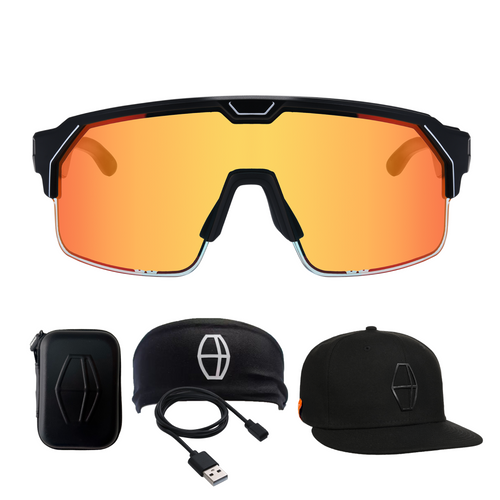
Dusk comes with a charging cable. Only use the charging cable with certified power supplies, chargers, and batteries that are made by reputable suppliers. When using the charging cable and an adapter, do not leave Dusk plugged in for more than 12 hours - as it will continue to "trickle charge" and over time, this may affect battery life. The Dusk charging cable is compatible with PD and QC chargers.
Battery
- Before using, charge Dusk completely using the included USB-C to pogo-pin charging cable. Dusk will charge from 0-80% in just 15 min. (or 0-100% in an hour).
- The LED will turn red when Dusk is charging and green when charging is complete.
- Check battery status in the Ampere app or on your paired Bluetooth devices page.
- After 4 hours without any adjustment, Dusk will automatically turn off.
- At 10% battery, Dusk will beep twice and continue to beep twice every 2 minutes (if you are using the audio functionality). If you would like to continue to be able to adjust the tint level, we recommend turning off the audio for the remainder of the day.
- If you have not used Dusk for 2+ weeks, charge before use.
- When Dusk reaches 0% battery, it will revert back to the lightest tint level (38% transmittance).
Notes on Cleaning and Care
- Be careful when cleaning the lenses. Only clean the lenses with the included lens cloth (or other soft, clean lens cloths designed for glasses). Be sure to check for any grit or dust that could damage the lenses before rubbing.
- Do not use Dusk with any ultrasonic cleaners, even those designed for glasses as they will damage the lenses. Ampere is not responsible for Dusk that are damaged in this way.
- Avoid extremely cold or extremely hot temperatures. If the battery temperature drops below 14°F (-10°C) or rises above 122°F (50°C), Dusk will stop working.
- When not in use, avoid prolonged sun exposure and keep Dusk in either the Dusk soft case or the Dusk charging case.
- Do not submerge Dusk in any liquid. If they do get wet, turn off and allow them to dry naturally in a dark environment. We recommend wiping down the glasses and giving them time to air-dry before storing or charging. Do not use an artificial heat source such as a blow dryer.
- Charging the glasses while moisture is still present can cause damage.
- Do not use Dusk in humid environments like steam rooms, saunas or bathrooms before/after hot showers.
- Do not attempt to disassemble, repair or modify Dusk for any reason. Dusk uses a built-in battery. Do not attempt to replace it.
Warnings
- The tint on Dusk can be set to a level that is darker than traditional sunglasses so make sure you can see clearly before operating a car, other vehicle or machinery. Dusk glasses set on the darkest tint are NOT suitable for those activities. Under no circumstance shall we have any liability to you for any loss or damage of any kind incurred as a result of the misuse of the glasses.
- Do not adjust the tint while operating a car, other vehicle or machinery. Only adjust tint levels while stopped and can do so safely.
- Observe all safety warnings and regulations concerning the use of Dusk while driving or operating machinery.
- Consult a physician or the equipment supplier before using Dusk near personal medical equipment.
- Do not use Dusk in hospital operating rooms, emergency rooms, intensive care units, etc. to avoid interfering with medical instruments. Keep Dusk at least 15 cm. away from pacemakers, hearing aids, cochlear implants, etc.
- Listening to loud audio for extended periods can cause damage to your hearing or hearing loss. Ampere does not recommend using Dusk at high volume for extended periods.
Be different. See different.

